A successful restaurant has to stand out from the pack. In 2024, that means honing your online presence and building digital marketing into your strategy. The good news is that you don’t have to spend a ton of time or money for guests to discover your business.
A few simple marketing best practices can help guests find you online and inspire them to book a table. Whether you’re new to Tock or a faithful customer, you can use these tips to help guests find your restaurant online.
Customize your Tock page
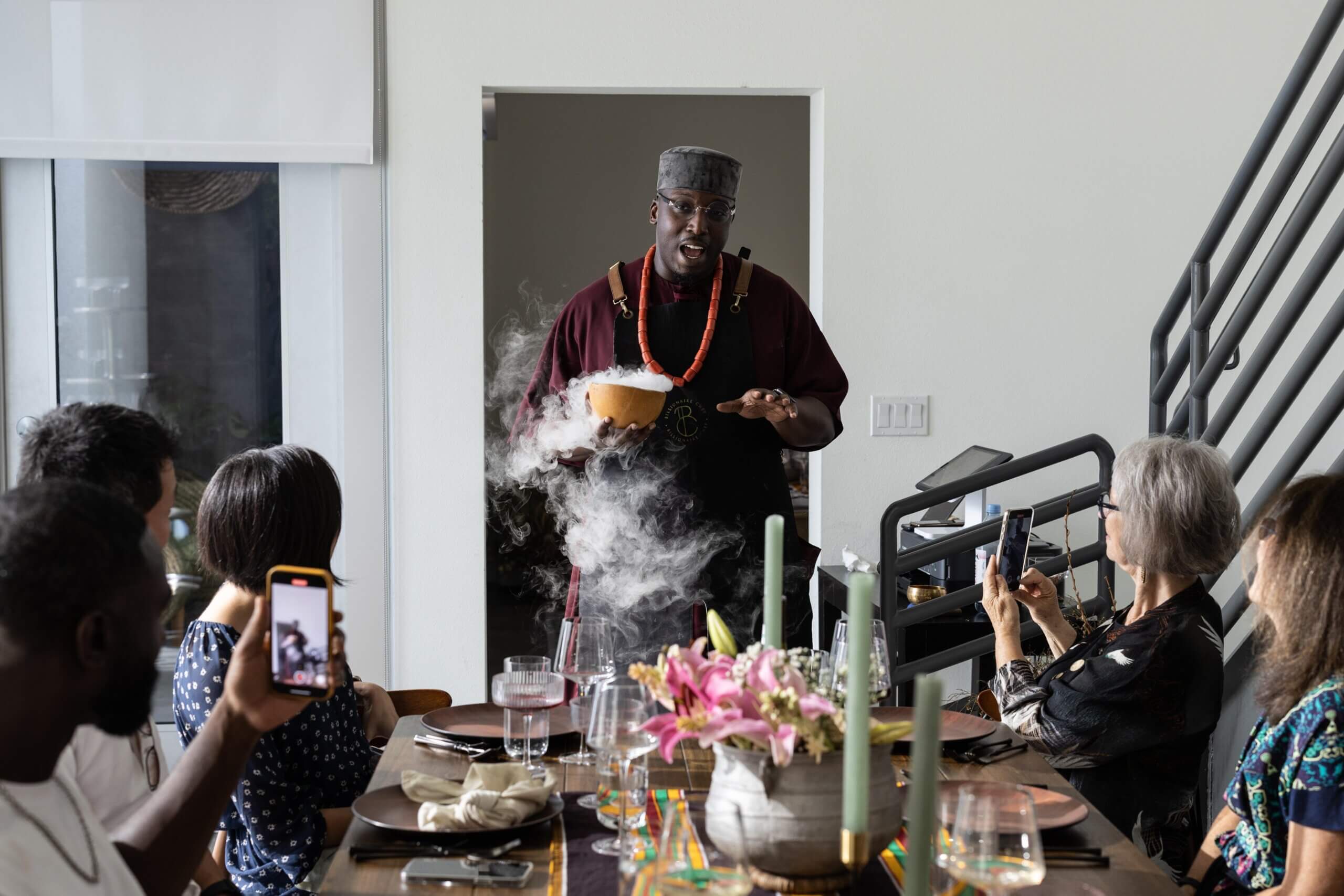
The first step is making sure your Tock page is on point. Upload a striking, high-quality banner image that shows off an impeccably plated dish or the elegant atmosphere in your dining room. Include clear, accurate descriptions of the experiences you offer, and add photos to entice guests to book. Images that are energetic, vibrant, and high quality tend to perform better than a staged, empty restaurant shot or flier. Photos of the exact dishes or experience are great, especially with people in the imagery—they’ll feel more aspirational for guests. Customize your page with a welcome message and any need-to-know info, then double-check details like location, hours, and website address for accuracy.
Update your business’s info on Google
Tock’s research shows that more than half of diners use search engines like Google to discover new restaurants. One of the most important things you can do to help guests find you is to keep your Google presence up to date.
Optimize your Google Business Profile
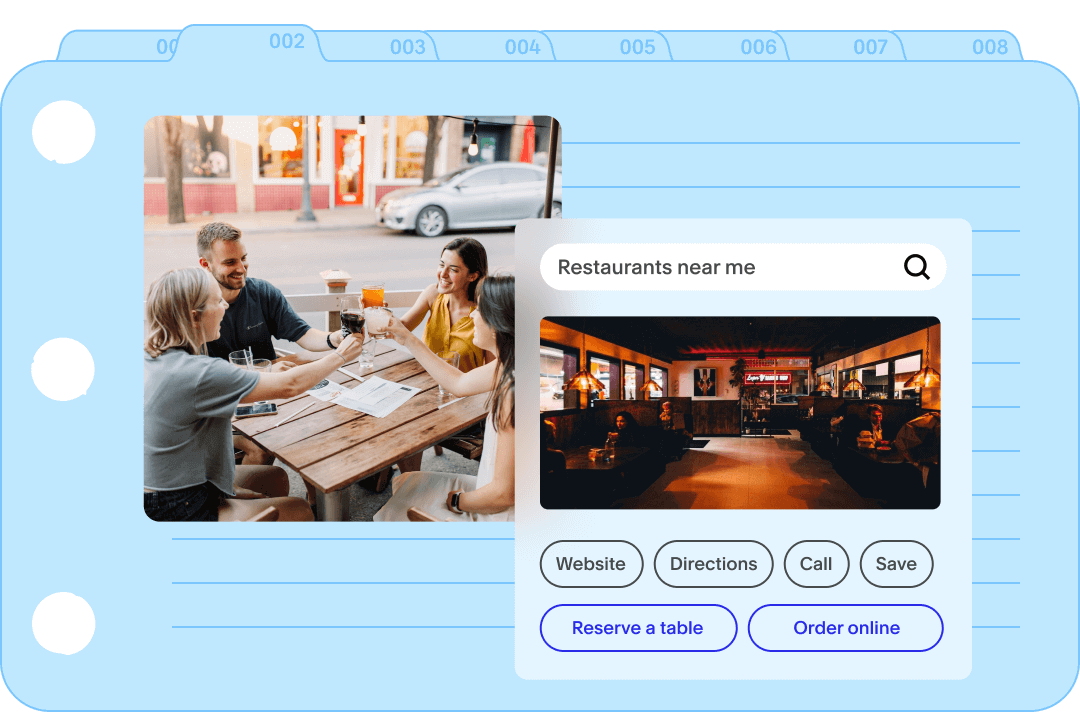
Your Google Business Profile is an excellent source of free marketing if you use it properly. Here’s how to claim it if you haven’t already. Once you have, make sure it’s got up-to-date information, high-quality photos, and a compelling description to inspire guests to book. Be sure to link to your menu and website.
Suggest Tock as the preferred vendor on your Google Knowledge Panel
When you switch reservation platforms, it can take a week or two for Google to catch up. Help speed the process along by suggesting Tock as the preferred vendor on your Google Knowledge Panel, the info box that pops up on the right side of the page when you search. Here’s how to do that.
Integrate Tock and Reserve With Google
This popular integration allows guests to book on Tock via search, Google Maps, and Google Assistant. Learn more about connecting your Tock page and Reserve with Google here.
Add a Tock widget to your website
Once your Tock page is live and looking sharp, you can make it easy for guests to book directly from your business’s website by adding a Tock widget. That way, guests can book quickly and easily when they navigate to your page directly or find you on search. Creating a frictionless way to reserve increases bookings, boosting revenue for your business.
Announce the switch to your customers
The best way to transition guests over to a new reservation platform is to tell them about it. Add a clear call-to-action, notification bar, or pop-up announcement to your website so guests see the news right away. If you have an email list, send an announcement with a clear, grabby subject line, a high-quality image, a few lines of copy, and a prominent button linking readers to your Tock page. In future emails, you can highlight different experiences you offer while directing guests to book on Tock.
Get the word out on social media
Let your social media followers know how they can book a table. Use an eye-catching graphic and a clear and concise caption when making the announcement. It’s a good idea to post about the switch a few times over your first couple of months on Tock.
Leverage Tock’s third-party integrations
Tock integrations with social media and search engines make it easy for guests to book wherever they find you. In addition to Reserve with Google, you can connect your Tock page to apps like Instagram and Facebook so diners can reserve a table by tapping a button.
Get more helpful tips and training resources at Tock Academy. Not on Tock yet? Request a demo.